


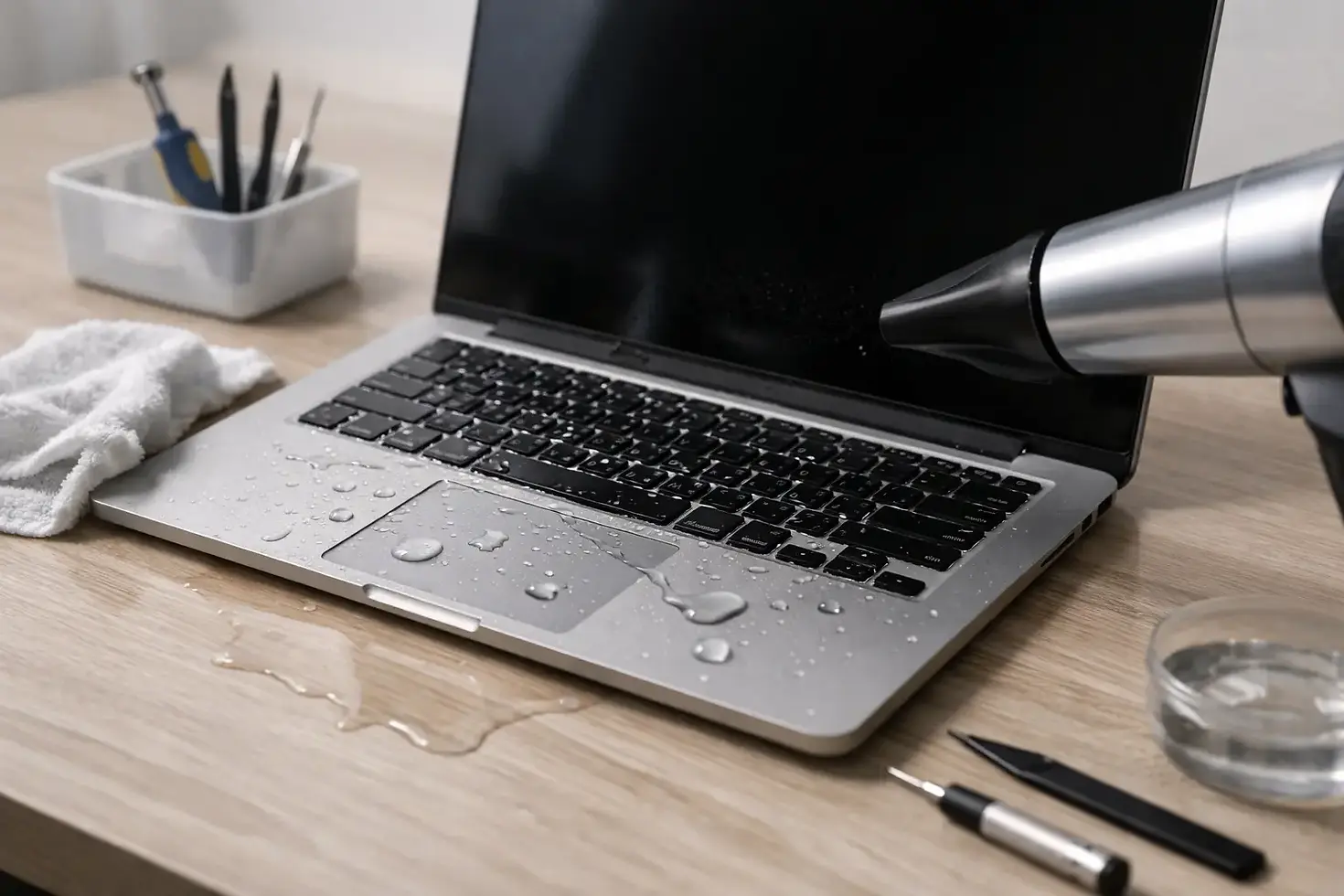
How to Save Water Damaged MacBook Fast
- iBrokeit.es

- May 19
- 6 min read
Coffee across the keyboard. Rain in your backpack. A knocked-over glass five minutes before a meeting. If you are searching for how to save water damaged MacBook, speed matters more than guesswork. The first few minutes can be the difference between a recoverable repair and a logic board that is beyond economical repair.
A lot of people make the same mistake. They see the screen still glowing, assume the MacBook is fine, and keep testing it. That is exactly how minor liquid exposure turns into short circuits, corrosion, keyboard failure, charging issues, and data loss. Water damage is not always dramatic at the start. Often, the real damage builds over the next few hours.
How to save water damaged MacBook in the first minutes
The first job is simple - stop power moving through the machine.
If your MacBook is on, switch it off immediately. Do not save files, do not finish an email, and do not keep pressing keys to see what still works. Hold the power button down and shut it off. If it is connected to a charger or hub, unplug everything straight away.
Once it is off, open the lid carefully and turn the MacBook upside down in a tent shape or at an angle so liquid can drain away from the keyboard and internal components. Put it on a dry towel or absorbent cloth. If visible liquid is sitting on the surface, blot it gently. Blotting is the key word here. Wiping aggressively can push moisture deeper into speaker grilles, keys, ports, and screen edges.
If the spill was anything other than plain water, the risk goes up. Coffee, wine, fizzy drinks, juice, and sugary liquids are worse because they leave residue behind. Even if the machine powers back on later, sticky residue can continue causing corrosion and trackpad, keyboard, and charging faults long after the spill.
What not to do
This is where many MacBooks are lost.
Do not turn it back on to check whether it survived. Do not plug in the charger to see if it still charges. Do not use a hairdryer. Heat can warp components, spread moisture, and make things worse. Do not shake the laptop violently either. That can move liquid from one area of the board to another.
The rice trick is also badly overhyped. Rice does not remove residue, it does not clean corrosion, and it does not magically dry liquid trapped under shields and chips. At best, it wastes time. At worst, it gives false confidence while corrosion keeps working in the background.
If you know how to remove the bottom cover safely on your exact MacBook model, disconnecting the battery can help reduce the risk of electrical damage. But if you are not confident, forcing your way into a MacBook with the wrong tools is not a smart second mistake. A stripped screw or torn connector adds avoidable cost.
Why liquid damage gets worse after the spill
A MacBook can seem normal right after exposure because not every circuit fails instantly. That does not mean the danger has passed.
Moisture left inside starts corrosion. Minerals in water, especially tap water or sea air exposure, can bridge contacts and eat away at delicate board-level components. Sugary or acidic liquids are worse again. This is why a MacBook may appear to recover, then suddenly develop no power, random shutdowns, fan issues, a dead keyboard, trackpad failure, screen flicker, or battery charging faults a day or a week later.
That delay catches people out. They leave the machine to dry, turn it on the next day, and think the problem is solved. Then corrosion continues silently until repair becomes more complex. Fast professional cleaning is often the difference between a recoverable liquid damage job and a much larger board repair.
Can you dry a water damaged MacBook at home?
It depends on the spill, the amount of liquid, and where it landed.
A few drops on the palm rest that never reached the keyboard or ports is a very different situation from half a glass of water through the keys. Home drying may help in very minor cases, but it is rarely enough if liquid has entered the internals. MacBooks are tightly packed. Moisture can sit under the logic board, around battery connectors, inside the keyboard assembly, and under shields where airflow does very little.
Leaving it off in a dry room for 24 to 48 hours is better than turning it on too early, but drying alone does not remove contaminants. That is the part people miss. A MacBook damaged by clean distilled water has better odds than one hit by coffee or beer, but both still need proper assessment if the liquid reached the inside.
Signs your MacBook needs professional water damage repair
Sometimes the signs are obvious. Sometimes they are subtle.
If the MacBook will not power on, charges intermittently, shows screen lines, has a sticky or unresponsive keyboard, a trackpad that clicks oddly, speakers sounding distorted, fans running flat out, or a burning smell, stop testing it. Those are strong signs that internal damage has started.
Even if it powers on, watch for delayed symptoms. Random restarts, battery drain, USB-C ports not recognising devices, Wi-Fi instability, or keys typing the wrong characters can all appear after liquid exposure. MacBooks are expensive machines, and gambling on luck usually costs more than getting it checked early.
A proper liquid damage assessment should focus on what has actually been affected, not just whether the machine boots. The right repair approach may involve internal inspection, ultrasonic-style cleaning methods, corrosion treatment, board-level diagnosis, battery isolation, and part replacement only where needed. That is far more effective than simply waiting and hoping.
How professionals improve the odds of saving it
The goal is not just to make the MacBook switch on. The goal is to stabilise it before corrosion spreads.
A good repair technician will inspect the internal damage, clean residue properly, test critical circuits, and identify whether the issue is limited to the keyboard, battery, ports, screen, or the logic board itself. Sometimes the repair is straightforward. Sometimes liquid has reached multiple areas and the sensible route is staged testing to protect data and control cost.
This is where speed really pays. The sooner the machine is opened, isolated, and cleaned, the better the chances of saving the board and avoiding a full replacement. For customers who rely on their MacBook for work, bookings, client calls, travel plans, or school files, that time window matters.
That is exactly why local repair support is valuable if you are on the Costa del Sol. Waiting days to send a MacBook away is not ideal when corrosion is active and your laptop is part of your daily routine.
Is repair worth it or should you replace the MacBook?
Again, it depends.
If the machine is newer, holds important data, or only has limited liquid intrusion, repair is often the smarter financial move. A targeted repair can cost far less than replacing a MacBook, reconfiguring your apps, recovering files, and losing work time. On the other hand, if a very old machine has heavy board damage, display damage, and battery issues all at once, replacement may be more sensible.
What you do not want is guessing. Free diagnostics and clear fault finding matter because water damage is not a one-price-fits-all job. Anyone promising a fixed answer without opening the device is selling confidence, not diagnosis.
For many people, the biggest concern is data. If the MacBook itself is not worth saving, data recovery may still be. That is another reason not to keep attempting home power-ons. Every failed start can reduce the chance of a clean recovery.
The fastest route when your MacBook gets wet
If you remember nothing else, remember this. Switch it off. Unplug it. Blot it. Do not charge it. Do not test it. Do not cook it with a hairdryer or bury it in rice.
Then get it inspected properly as fast as possible. A liquid damaged MacBook is a race against corrosion, not a waiting game. At iBrokeit, that is exactly the kind of urgent repair we deal with for Apple users who need a clear answer quickly, without the usual delay, guesswork, or inflated replacement push.
The right move after a spill is not panic and it is not denial. It is fast, controlled action. Give your MacBook the best chance early, and you give yourself the best chance of avoiding a far more expensive problem tomorrow.


